AI Agents for Business: How They Automate Workflows and Get Things Done
Key Takeaways
- 1AI agents can understand goals, make decisions, and perform tasks using connected tools and systems.
- 2Unlike traditional chatbots, AI agents can take action and manage multiple steps within a workflow
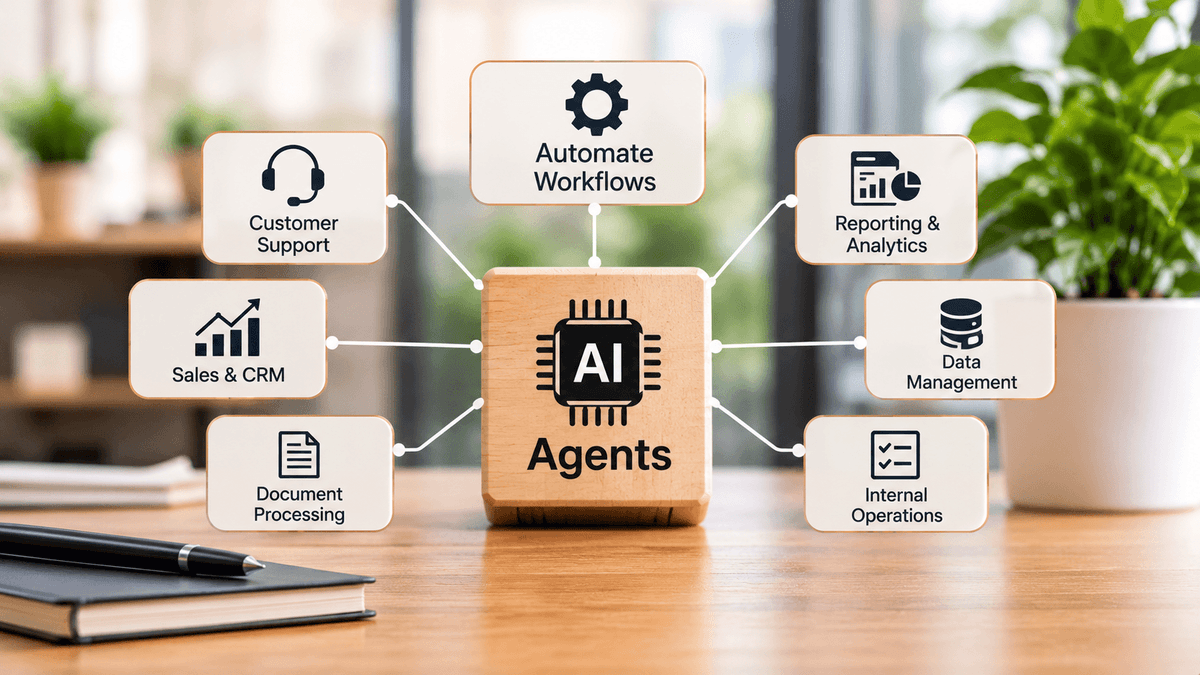
- 3Businesses can use AI agents for customer support, sales, document processing, reporting, and internal operations
- 4Integrating agents with existing business software helps reduce repetitive work and manual data entry
- 5Human approval, access controls, and monitoring are important for reliable AI agent implementation
- 6Starting with one clearly defined business process makes it easier to measure results and expand automation
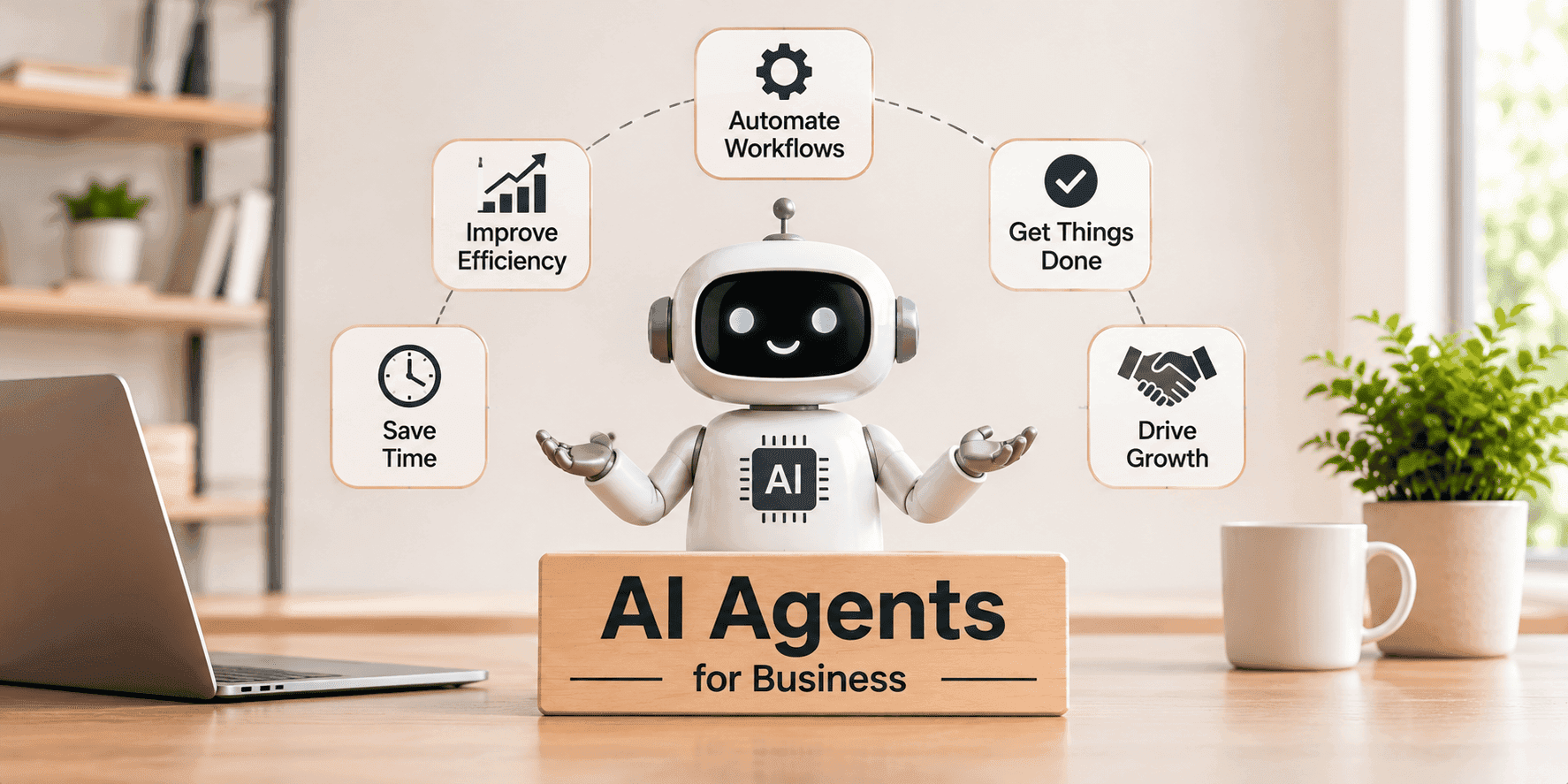
Businesses have been using automation for years to reduce repetitive work and improve efficiency. Traditional automation follows predefined rules, while AI-powered systems can understand information, respond to changing inputs, and support more flexible workflows.
This is where AI agents come in.
AI agents can do more than answer questions or generate text. They can understand a goal, decide which steps are needed, use connected tools, retrieve information, and perform actions to complete a task.
For example, instead of simply answering a customer query, an AI agent could look up the customer's order, check its delivery status, update a support ticket, and prepare a response based on the available information.
For businesses, this creates new possibilities for improving operations, reducing manual effort, and making better use of existing software systems.
In this guide, we explore how AI agents work, where they can be used, and what businesses should consider before implementing them.
1. What Are AI Agents?
An AI agent is a software system that uses artificial intelligence to understand a task, make decisions, and take actions toward a defined goal.
It typically combines an AI model with instructions, business data, and access to tools such as APIs, databases, and third-party applications.
Unlike a basic chatbot that mainly responds to user messages, an AI agent can work through multiple steps to complete a task.
For example, consider a business that receives hundreds of customer support requests every day.
A traditional chatbot might answer frequently asked questions. An AI agent could go further by:
Understanding the customer's issue.
Retrieving relevant customer or order information.
Checking the status of an existing request.
Creating or updating a support ticket.
Preparing a response for the customer.
Escalating the request when human assistance is required.
The important difference is that an AI agent can participate in the actual workflow rather than only provide information.
2. How Do AI Agents Work?
AI agents work by combining an AI model with instructions, data, and tools that allow them to interact with other systems.
A typical AI agent workflow includes the following stages:
Stage | What Happens |
Input | Receives a request, event, or task |
Understanding | Interprets the goal and available information |
Planning | Determines the steps needed to complete the task |
Tool Selection | Selects suitable tools, APIs, or data sources |
Execution | Performs the permitted actions |
Verification | Checks results and identifies errors or missing information |
Completion | Returns the result or transfers the task to a person |
For example, when a sales team asks an AI agent to prepare a list of potential customers, the agent might retrieve information from a CRM, organize relevant records, identify missing details, and prepare a summary.
The agent can then return the completed information to the sales team for review.
The exact workflow depends on the business requirement, the systems involved, and the level of access given to the agent.
3. AI Agents vs. Traditional Automation vs. Chatbots
AI agents, chatbots, and traditional automation all have different roles in business software.
Understanding these differences helps businesses choose the right approach instead of using AI for every task.
Capability | Traditional Automation | AI Chatbot | AI Agent |
Main purpose | Follow predefined rules | Answer questions | Complete tasks and workflows |
Understands natural language | Limited | Yes | Yes |
Handles changing inputs | Limited | To some extent | Can adapt within defined boundaries |
Uses external systems | Through configured integrations | Sometimes | Can use connected tools and APIs |
Performs actions | Predefined actions | Usually limited | Can perform multi-step actions |
Human involvement | Based on workflow rules | Often conversational | Based on permissions and approval requirements |
For example, a traditional automation system can send an invoice reminder on a scheduled date. A chatbot can explain an invoice to a customer. An AI agent could retrieve invoice details, check payment status, prepare a reminder, and send it after the required approval.
However, not every process needs an AI agent. If a workflow follows fixed rules and does not require interpretation, traditional automation may be simpler, more predictable, and less expensive.
4. Practical Business Use Cases for AI Agents
AI agents can support different departments depending on the nature of their work, available data, and existing software systems.
Here are some practical examples.
Customer Support
AI agents can help support teams manage routine customer requests and reduce the time spent switching between applications.
They can:
Retrieve customer and order information.
Check delivery or service status.
Create and update support tickets.
Prepare responses using approved knowledge sources.
Escalate complex or sensitive requests to human representatives.
This allows support teams to focus more on issues that require personal attention.
Sales and CRM Management
Sales teams often spend considerable time updating CRM records, researching prospects, and preparing follow-up information.
AI agents can assist with:
Collecting information from approved business sources.
Summarizing customer interactions.
Updating CRM records.
Preparing follow-up drafts.
Identifying missing information in sales records.
Organizing leads based on defined criteria.
A team member can review the information before important customer-facing actions are taken.
Document Processing
Many businesses handle invoices, contracts, application forms, reports, and other documents as part of their daily operations.
AI agents can work with document processing systems to:
Extract relevant information.
Classify documents by type.
Identify missing fields.
Compare information across documents.
Send extracted data to connected business applications.
Flag unusual or incomplete records for review.
This can reduce manual data entry and make document-based workflows easier to manage.
Internal Business Operations
AI agents can also support everyday internal processes.
For example, they can help employees:
Find information in internal documentation.
Prepare project status summaries.
Create task records from meeting notes.
Retrieve information from different business systems.
Generate recurring operational reports.
Route internal requests to the appropriate department.
These use cases are particularly useful when employees regularly perform the same information-gathering tasks.
Reporting and Data Analysis
Businesses often store information across multiple databases, spreadsheets, and applications.
An AI agent connected to approved data sources can retrieve information, summarize trends, and prepare reports based on specific questions.
For example, a manager could request a summary of pending orders, delayed deliveries, or customer support activity.
The agent can collect the relevant information and prepare a structured report for review.
5. Connecting AI Agents with Existing Business Software
An AI agent becomes more useful when it can work with the systems a business already uses.
Most organizations rely on multiple applications, such as:
Customer relationship management (CRM) platforms.
Enterprise resource planning (ERP) systems.
Accounting and billing software.
Project management tools.
Inventory management systems.
Internal databases and knowledge platforms.
Customer support applications.
Through APIs and other approved integrations, AI agents can retrieve information from these systems and perform permitted actions.
For example, an AI agent used by an e-commerce business could connect with its order management system, inventory database, and customer support platform.
When a customer asks about an order, the agent could retrieve the order details, check inventory or delivery information, and prepare an appropriate response.
The integration must be designed carefully. Data access should be limited to what the agent needs, and actions such as issuing refunds, changing account details, or approving transactions may require additional authorization.
6. What Should Businesses Consider Before Implementing AI Agents?
AI agents can improve workflows, but successful implementation requires more than connecting an AI model to an application.
Businesses should consider the following areas before starting development.
Define a Clear Business Objective
Start by identifying a specific problem.
Is the goal to reduce support response time, automate document handling, improve CRM data quality, or simplify internal reporting?
A clearly defined objective makes it easier to decide what the agent should do and how its performance will be measured.
Prepare the Required Data
AI agents need access to relevant and reliable information.
Before implementation, review where business data is stored, how accurate it is, and whether the required systems allow secure access.
Poor-quality or outdated information can lead to incorrect results.
Choose the Right Tools and Integrations
Identify which applications, APIs, and databases the agent needs to use.
Integrations should be reliable, properly authenticated, and designed to handle errors or unavailable services.
Set Permissions and Human Approval
Not every action should be performed automatically.
For example, an agent may be allowed to prepare a payment request but not approve or release the payment.
Businesses should define which actions an agent can perform independently and which require human approval.
Test and Monitor Performance
Testing should cover normal requests, incomplete information, unexpected inputs, integration failures, and incorrect outputs.
After deployment, monitor task completion, accuracy, response time, operating costs, and the number of cases requiring human intervention.
AI agents should also be reviewed as business processes, data sources, and connected systems change.
7. How to Start Building an AI Agent for Your Business
Building an AI agent does not have to begin with a large, complex project.
A phased approach can help businesses validate the use case before expanding implementation.
Step 1: Identify a Repetitive Workflow
Choose a process that consumes employee time and has a reasonably clear outcome.
For example, handling routine support requests or extracting information from invoices.
Step 2: Map the Existing Process
Understand how the task is currently completed, which applications are involved, what information is required, and where employees spend the most time.
Step 3: Define the Agent's Responsibilities
Specify what the agent should understand, which tools it can access, what actions it can perform, and when it should ask for human assistance.
Step 4: Build the Required Integrations
Connect the agent with the relevant APIs, databases, and business applications. Implement authentication, permissions, validation, and error handling.
Step 5: Test with Realistic Scenarios
Evaluate how the agent handles different inputs, missing data, unexpected situations, and failed integrations.
Step 6: Deploy and Improve
Start with a controlled rollout, monitor actual performance, collect feedback, and improve the workflow based on results.
Once the first use case is working reliably, businesses can consider extending the approach to other processes.
8. Why AI Agent Development Requires the Right Software Engineering Approach
An AI agent is not just an AI model with a prompt. It is a software system that needs to interact with real business applications and data.
Its reliability depends on several technical components working together:
AI model integration: Selecting and configuring models based on the task.
Backend development: Managing business logic, workflows, and application communication.
API integration: Connecting the agent with existing tools and services.
Data management: Retrieving, processing, and validating relevant information.
Security: Managing authentication, access permissions, and sensitive data.
Monitoring: Tracking agent activity, errors, performance, and operating costs.
Scalability: Supporting growing usage without compromising reliability.
The development approach should match the complexity of the business process. Some use cases need a single agent connected to a few tools, while others may require multiple coordinated components and more advanced workflow management.
Starting with the simplest approach that meets the business requirement helps avoid unnecessary complexity.
Conclusion
AI agents are creating new ways for businesses to automate work that previously required employees to move between applications, collect information, and complete multiple steps manually.
From customer support and CRM management to document processing and reporting, they can help simplify workflows and improve operational efficiency.
However, successful implementation depends on choosing the right use case, preparing reliable data, integrating existing systems, and setting clear boundaries for what an agent can do.
Businesses should begin with a specific problem, measure the results, and expand gradually as the system proves its value.
At Vivansh Infotech, we help businesses build custom software solutions that bring AI capabilities into practical business applications. From AI agent development and API integrations to backend systems and workflow automation, our focus is on building solutions around real operational requirements.
Looking to automate a business workflow with AI? Contact our team to discuss your requirements.
Frequently Asked Questions
What is an AI agent in business?
An AI agent is a software system that uses artificial intelligence to understand tasks, make decisions, and perform actions through connected tools and applications. Businesses use agents to support and automate multi-step workflows.
How are AI agents different from chatbots?
A chatbot primarily interacts with users by answering questions or providing information. An AI agent can go further by retrieving data, using external tools, updating records, and completing multiple steps within a defined workflow.
Which business processes can AI agents automate?
AI agents can support customer service, sales operations, CRM updates, document processing, internal reporting, information retrieval, and other workflows that involve gathering information and performing defined actions.
Can AI agents integrate with existing business software?
Yes. AI agents can connect with existing applications through APIs and approved integration methods. This allows them to retrieve information and perform permitted actions without requiring businesses to replace all their existing systems.
Are AI agents fully autonomous?
Not necessarily. Their level of autonomy depends on how they are designed and configured. Businesses can allow agents to handle low-risk tasks independently while requiring human approval for sensitive or high-impact actions.
How do businesses get started with AI agent development?
The best starting point is to identify one repetitive business process, define the expected outcome, review the required data and integrations, and build a focused solution. Testing and monitoring help determine whether the agent is ready for wider use.