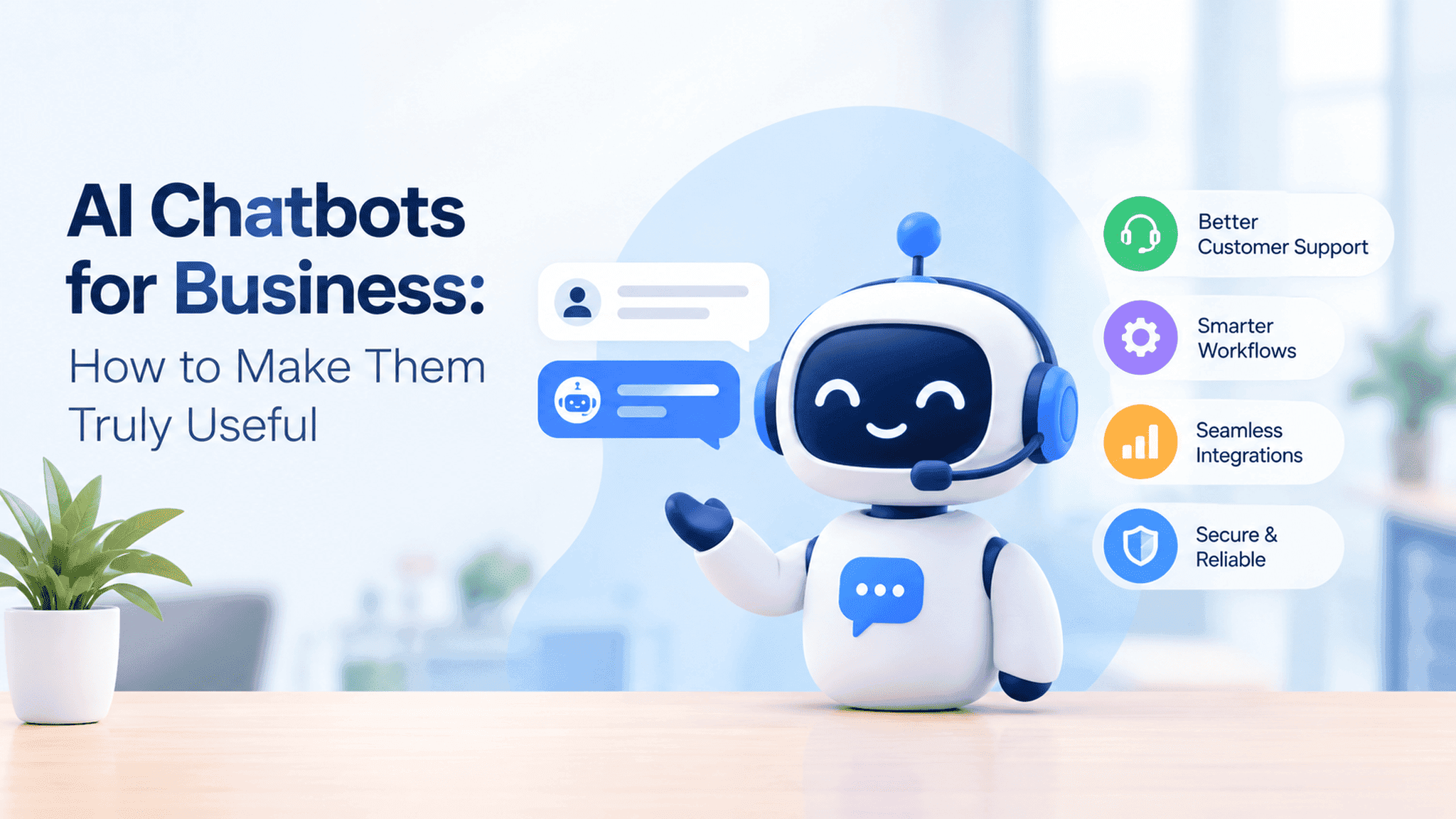
AI Chatbots for Business: How to Make Them Truly Useful
Key Takeaways
- 1Start with a clear business problem: Understand what users need before choosing the technology.
- 2Provide accurate information: Use reliable, up-to-date sources to improve responses.
- 3Connect existing systems when needed: Help users access relevant information without unnecessary steps.
- 4Keep the experience simple: Make conversations natural and provide human support when required.
- 5Focus on security and reliability: Protect business information and test how the chatbot handles different questions.
- 6Improve based on feedback: Track results and add features when they provide real value.
AI chatbots are becoming a common part of websites and business applications. They help customers find answers, guide users through different processes, and reduce repetitive work for support teams.
But adding a chatbot to a website does not automatically make things easier. If it gives unclear answers or cannot understand what users need, it can create more problems than it solves.
The key is to start with a clear purpose. Instead of trying to make a chatbot do everything, focus on one problem it can solve well.
Where Can AI Chatbots Help Your Business?
AI chatbots can support different business activities depending on what customers and employees need.
For example, an online store can use a chatbot to answer questions about delivery, returns, and product details. A SaaS company can help users understand its features or find solutions to common problems. An internal business chatbot can help employees find company policies, documents, and other useful information.
Chatbots can also help users navigate websites, complete forms, or understand the next step in a process. When connected to the right systems, they can retrieve information such as order status or appointment details.
The best starting point is to identify the questions people ask most often and understand which ones a chatbot can answer reliably. This helps you build something useful rather than adding AI simply because it is becoming popular.
Three Things to Consider Before Building an AI Chatbot
1. Give It the Right Information
A chatbot needs accurate information to provide useful answers. If your business has outdated documents, incomplete product details, or conflicting information, the chatbot may struggle to respond correctly.
Start by organizing your existing information and deciding which sources the chatbot should use. For example, a customer support chatbot could use approved help articles, product guides, and frequently asked questions to answer common queries.
The information should also be updated whenever your products, services, or policies change. This helps the chatbot provide answers that reflect your current business information.
2. Connect It With Your Existing Systems
Sometimes, users need more than an answer. They may want to check an order, view an appointment, or find details about their account.
Connecting the chatbot to your website, CRM, or other business systems can help it provide more useful responses. For example, a booking platform could allow users to ask about an existing reservation instead of searching through multiple pages.
These connections need to be planned carefully. The chatbot should retrieve information from the correct system, follow user permissions, and handle errors clearly. Any important action, such as changing a booking or updating account details, should have suitable checks before it is completed.
3. Make It Easy to Use
Users should not have to write perfect questions to get help. The chatbot should understand everyday language, handle follow-up questions, and explain clearly when it cannot help.
For example, a user might first ask about a product and then follow up with, "Does it come in another size?" The chatbot should understand that the second question relates to the same product.
It is also important to give users a way to reach a human support team when a question is too complex or the chatbot cannot provide a reliable answer.
A good chatbot should make the experience simpler, not force users to change how they normally communicate.
How to Get Started With AI Chatbot Development
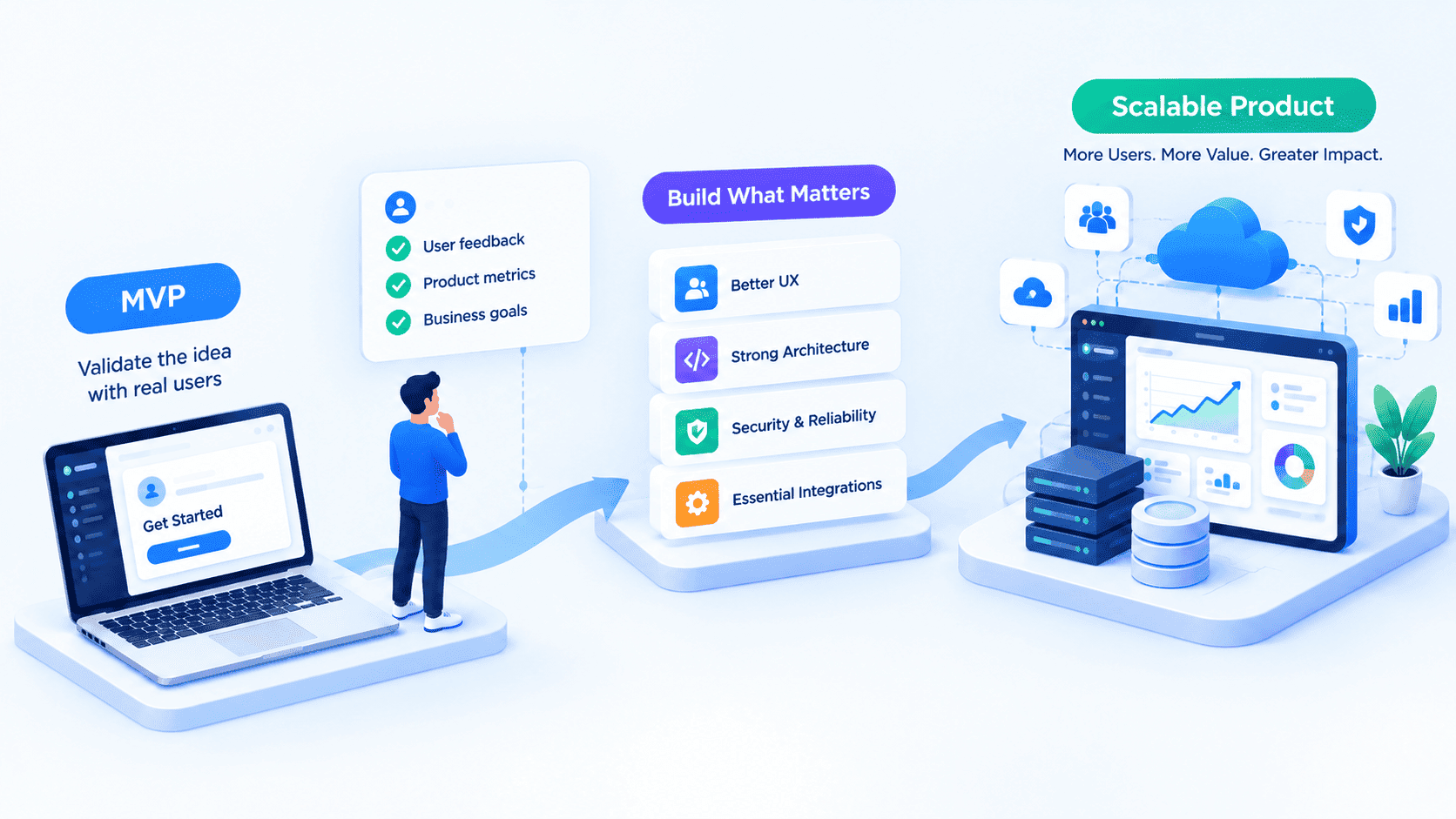
You do not need to build a complex AI system from day one. Start by choosing a clear use case, gathering the right information, and developing a simple version to test with users.
Once you understand how people use it, you can improve its responses, connect additional systems, and introduce more features when needed.
It is also important to measure whether the chatbot is actually helping. Look at whether users find answers more quickly, whether repetitive support requests decrease, and whether users can complete their tasks successfully.
These results can help you decide what to improve next. You may need better answers, an additional integration, or a simpler conversation flow. The right improvement depends on what users are experiencing.
At Vivansh Infotech, we work on custom software, web applications, SaaS platforms, and AI solutions that address real business needs. The right approach depends on your goals, existing systems, and the problems you want to solve.
A useful AI chatbot is not about having the most features. It is about helping people get the information or support they need with less effort.
Frequently Asked Questions
What is an AI chatbot?
An AI chatbot is a software application that understands user questions and responds in natural language. Businesses use it to answer questions, provide information, and support everyday tasks.
How can an AI chatbot help my business?
It can answer common questions, reduce repetitive support work, help users find information, and make certain business processes easier. Its value depends on how well it addresses the needs of your customers or team.
Can an AI chatbot connect to my existing website or application?
Yes. A chatbot can be integrated with an existing website, mobile app, CRM, or SaaS platform, depending on the required features and available integrations.
How long does it take to build an AI chatbot?
The timeline depends on the chatbot's features, data sources, integrations, and testing requirements. A basic chatbot usually takes less time to develop than one connected to multiple business systems.
How can I make my AI chatbot more accurate?
Use reliable information, test it with real questions, review incorrect answers, and update its knowledge regularly. Clear limits and human support options can also improve the experience.